We use Haiku's Single Sign On feature, so you only have to log once into Perspectives and then click on the Online banner on right. A tab with Haiku logged in will open.
Also be sure pop-ups are not blocked for the online class link. We recently discovered that under Chrome pop-ups are blocked by default. Chrome makes it easy to unblock by clicking on the notice icon as shown here:
[Note video not needed - just how to get to button but was an experiment] The following video demonstrates Changing the owner of a Haiku class
[view full screen to read annotations]
The above was creating following the directions here: Start an unlisted Hangout On Air Screen share with broadcast was used to create the youtube video, which was later changed from unlisted to public and simple annotations added using YouTube Video Manager
Note: Haiku has updated some of their class statistics to be analytics, so some specifics are outdated, BUT the reasons to use analytics have not changed. Haiku provides us with helpful statistics about the
(whole class) Class statistics on the usage of
the whole class
on individual students
specific pages accessed
(section) Grade statistics on a specific item (review, PR, etc.)
(section) Questions Statistics on how a specific question was answered.
Class statistics. under Manage Class button drop-down > Statistics
The four views of class statistics are:
Overview
Defaults to current week, but can be changed to the whole present or past months.
Unique visitors is approximately how many students have logged
Shows which Content have been most viewed
Helps to see if students are on track
Can see what interests the students most
Shows which Users (students) have been most active
All users who logged in this week or for selected month
If it says less then 5-10 seconds, really longer. It was really too long for Haiku timer.
How are Statistics tracked in Haiku? Not all areas are covered by Haiku class statistics yet. Here you can see what is included and currently excluded.
Grade statistics(per section) In the Class Gradebook place mouse over title of the entry. Then click on the statistics symbol.
Shows for the item (review, PR, etc): mean, median, standard deviation, minimum, maximum.
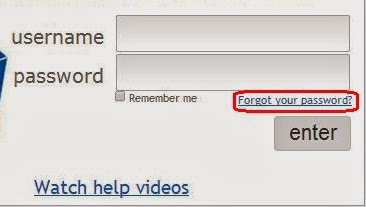
Don't panic. If you know your id or the email you registered with you can reset your password yourself. In the process you can verify or learn your Haiku id. Haiku General help:
Help! I can't log in. How do I change my password?